ISSUE #1
WORKOS: BRAND UNLEASHED
A Product Demo in Sequential Art · Starring Dan & the Admin Portal
SOMEWHERE INSIDE A WORKOS DASHBOARD…
1
DAN
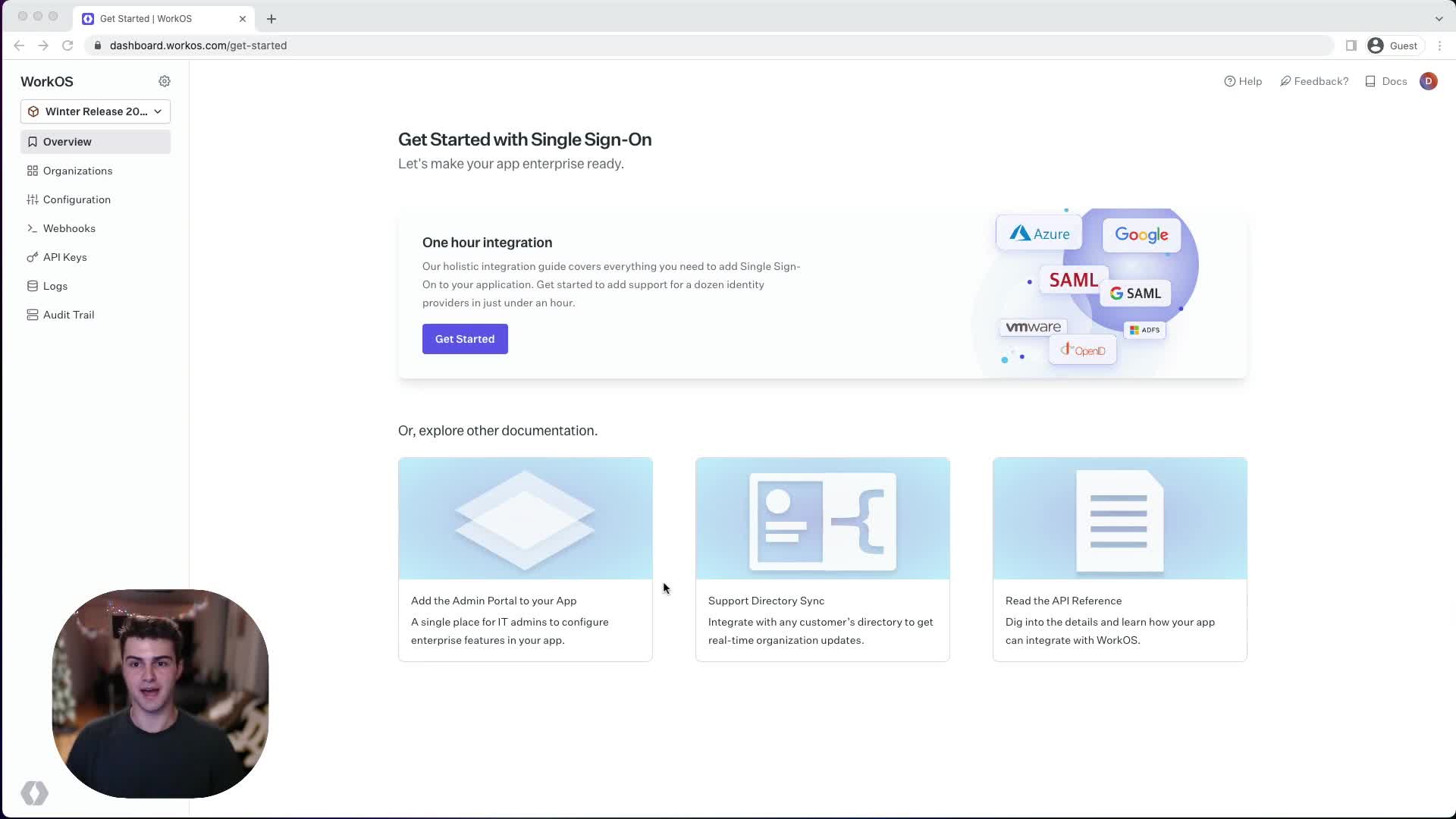
Hey there! My name is Dan, and I'm a software engineer here at WorkOS.
A sleek dashboard glows on the screen. SSO integrations as far as the eye can see.
THE BIG ANNOUNCEMENT
2
DAN
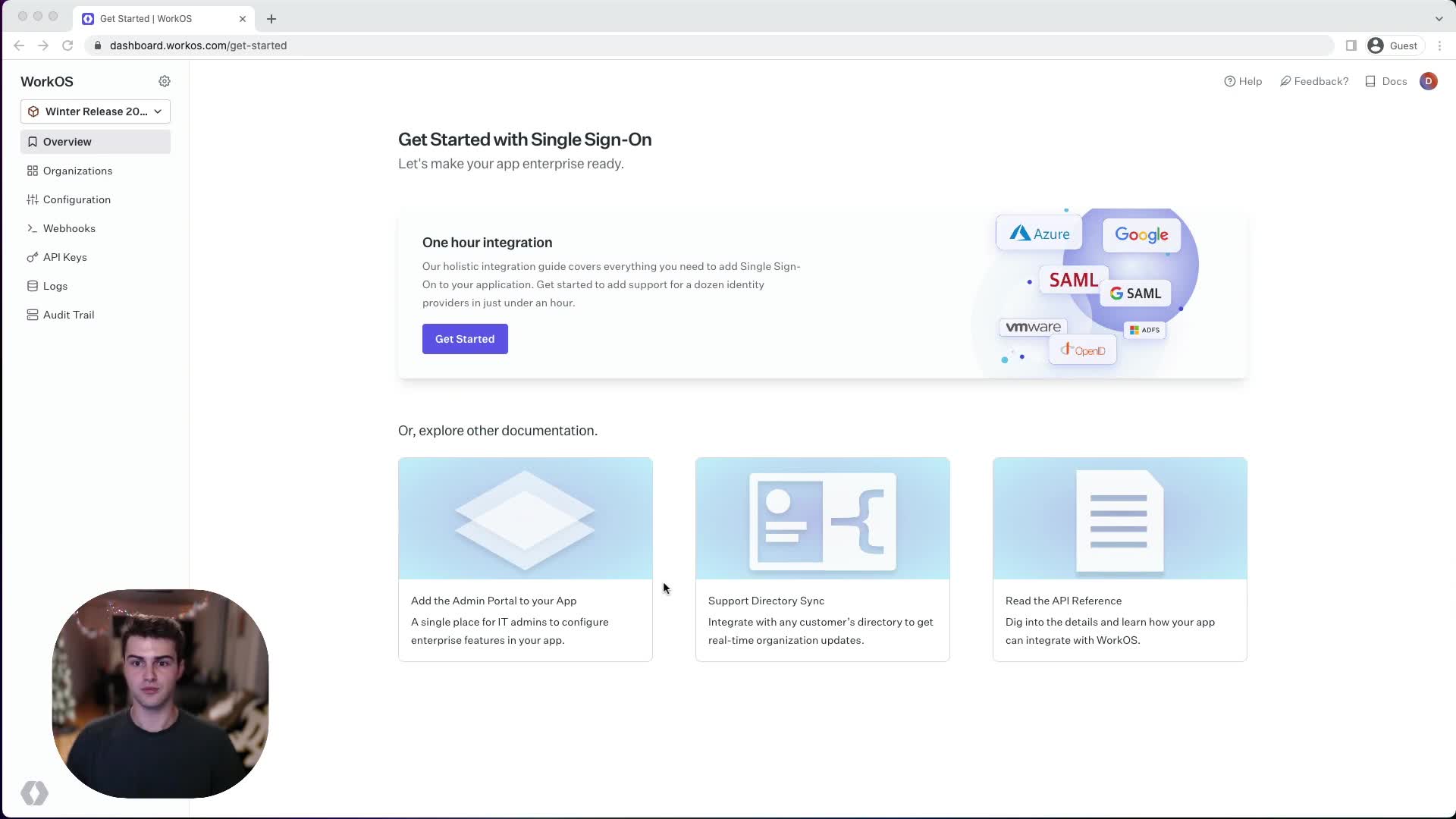
Today, I'm SO EXCITED to share some of the new capabilities we've added to the WorkOS dashboard!
✦ EXCITING! ✦
PREVIOUSLY ON… ENTERPRISE SOFTWARE
3
Many of you have been customizing the Admin Portal by working with our developer success engineers…
🕰️ The old way: back-and-forth emails, tickets, waiting…
STEP 1: NAVIGATE
4
DAN
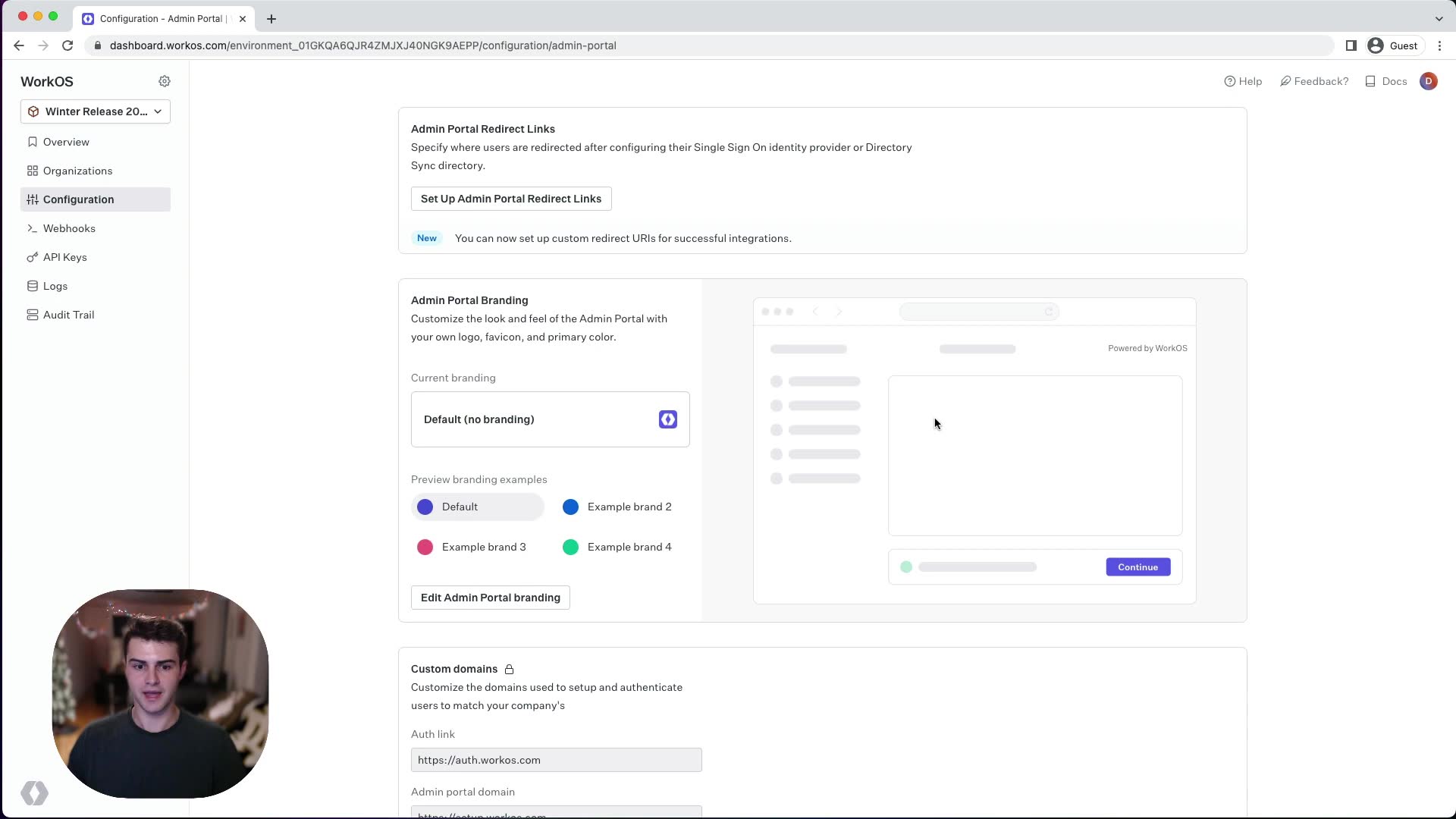
Navigate to the Configuration page and go to the new Admin Portal tab.
📍 Configuration → Admin Portal
THE BRANDING SECTION APPEARS!
5
DAN
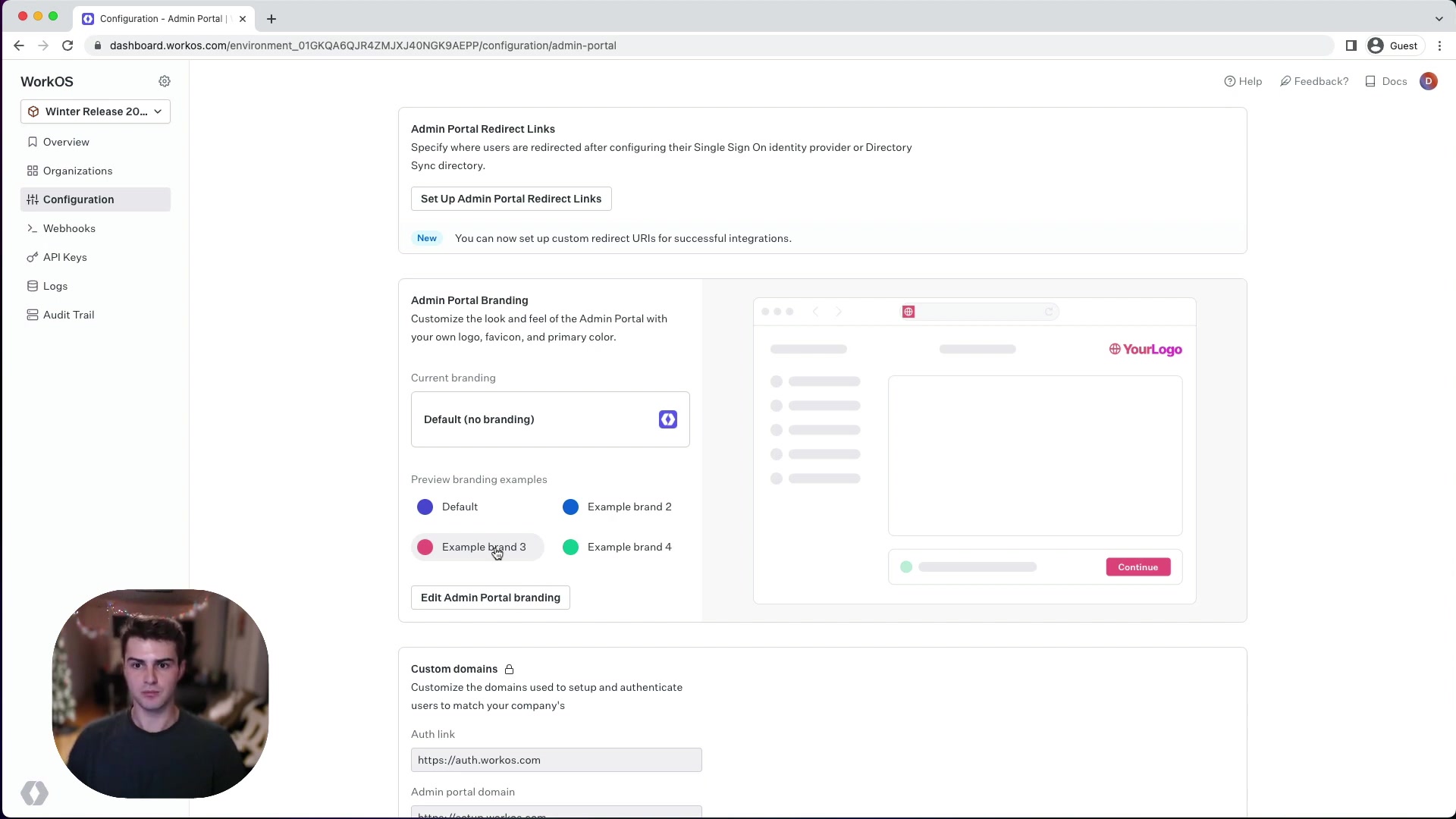
We have a preview showing what the Admin Portal looks like by default. Click through examples to see what's possible!
✦ NEW FEATURE UNLOCKED ✦
STEP 2: EDIT
6
DAN
Let's click "Edit Admin Portal Branding" and select an image of our beloved mascot, Blurpee!
CLICK!
ENTER: BLURPEE 🟣
7
From deep in the file explorer, the purple mascot emerges…
📁 blurpy-classic.svg · SVG · 10 KB
The new logo appears in the preview. Blurpee has arrived.
STEP 3: THE FAVICON
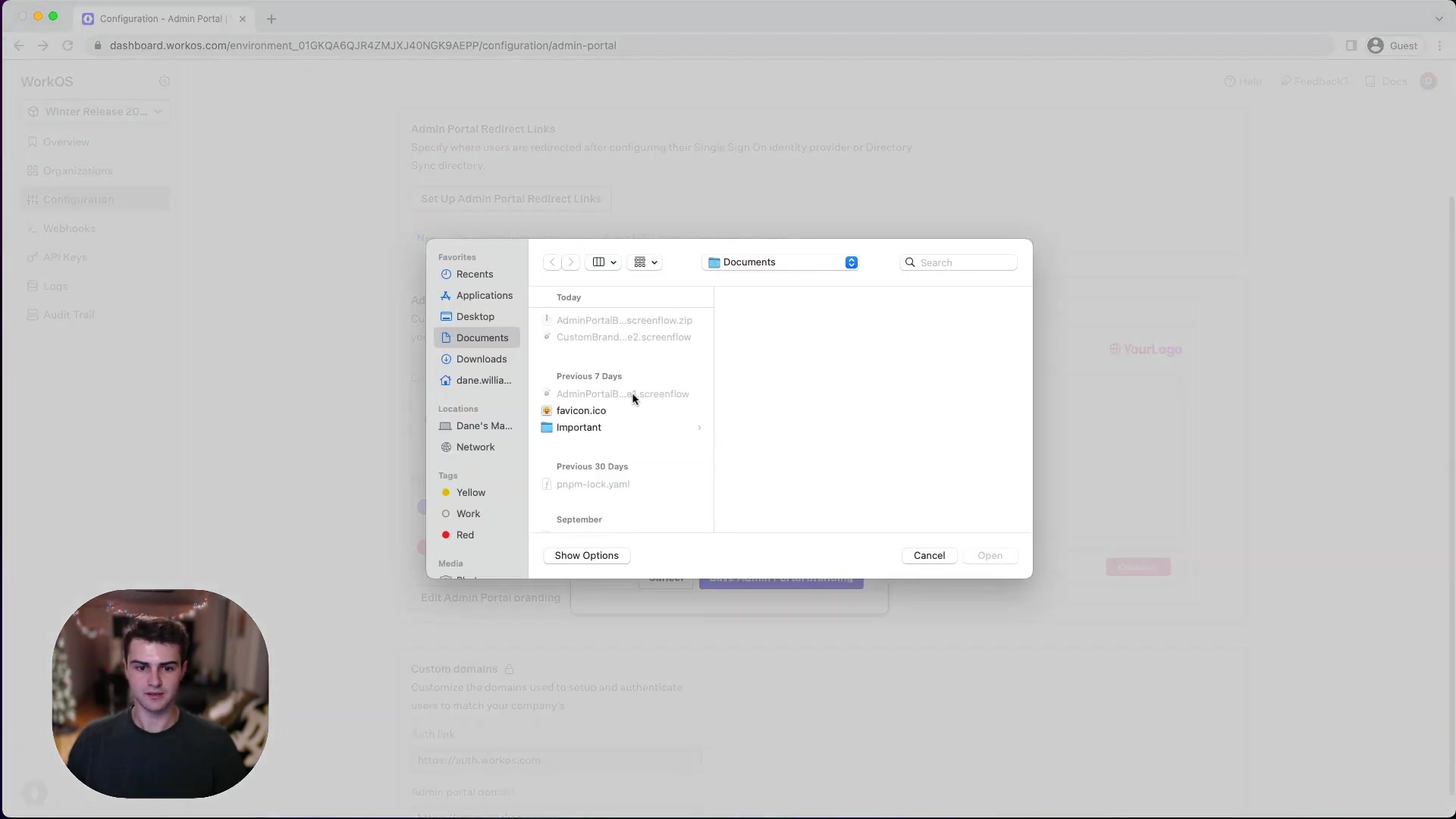
8
DAN
For the favicon, we can select this .ico file.
📁 favicon.ico · ICO · 15 KB
UPLOAD!
STEP 4: THE POWER OF PINK
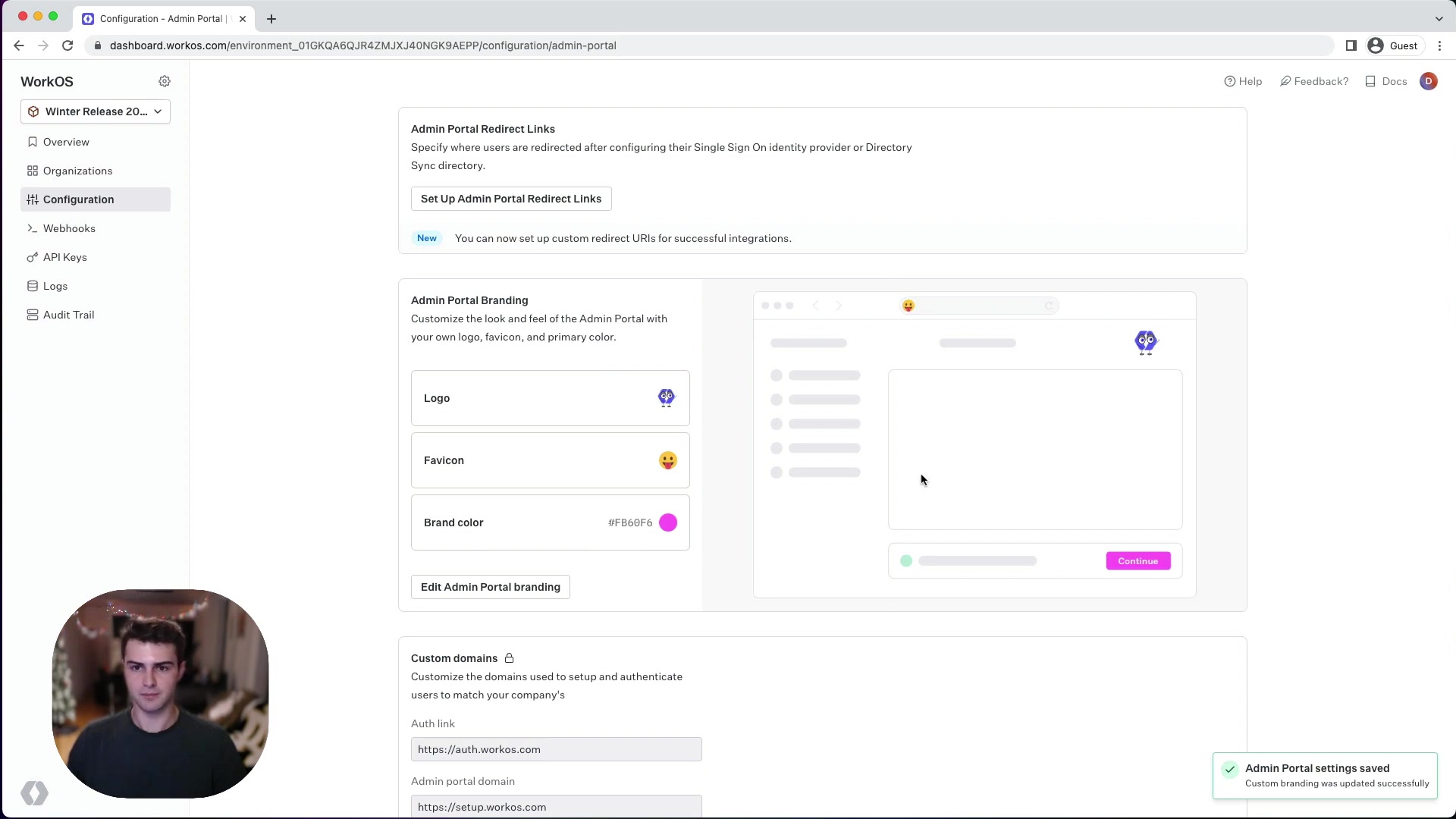
9
DAN
We can also select a new primary color. I think that this PINK color will get the job done.
🎨 Primary Brand Color: #f0007b
VIBRANT!
STEP 5: SAVE!
10
DAN
Now let's save the changes!
💾 SAVED!
The preview on the right updates instantly. Logo ✓ Favicon ✓ Pink ✓
MEANWHILE… ORGANIZATIONS
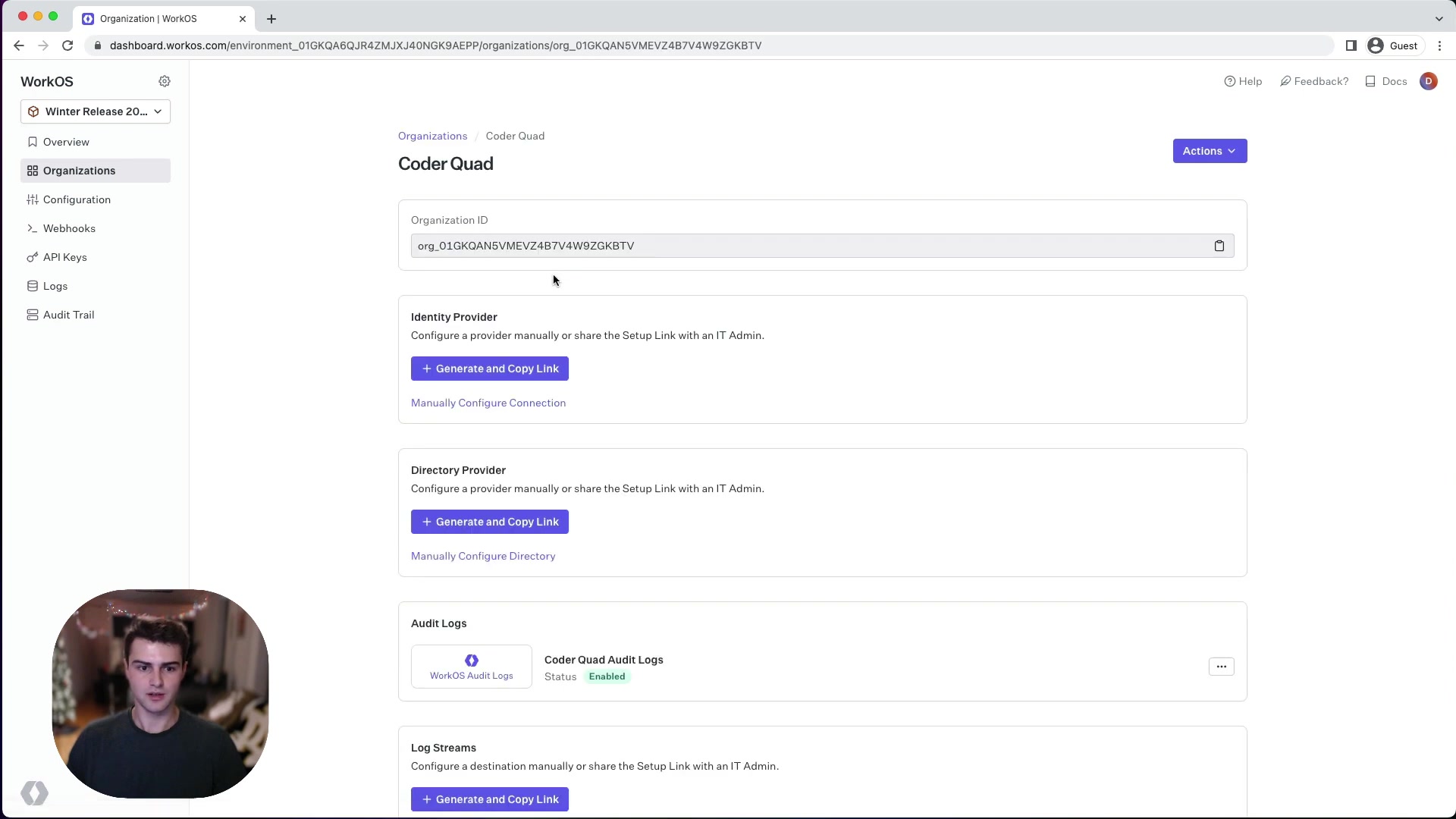
11
DAN
Head over to the Organizations page and select an org — here, Coder Quad.
🏢 Coder Quad · coderquad.com
THE SETUP LINK!
12
DAN
We can generate a new Admin Portal Setup Link for this org.
⚡ GENERATE!
Link expires in 30 days or once configured.
THE BIG REVEAL — CUSTOM BRANDING LIVE!
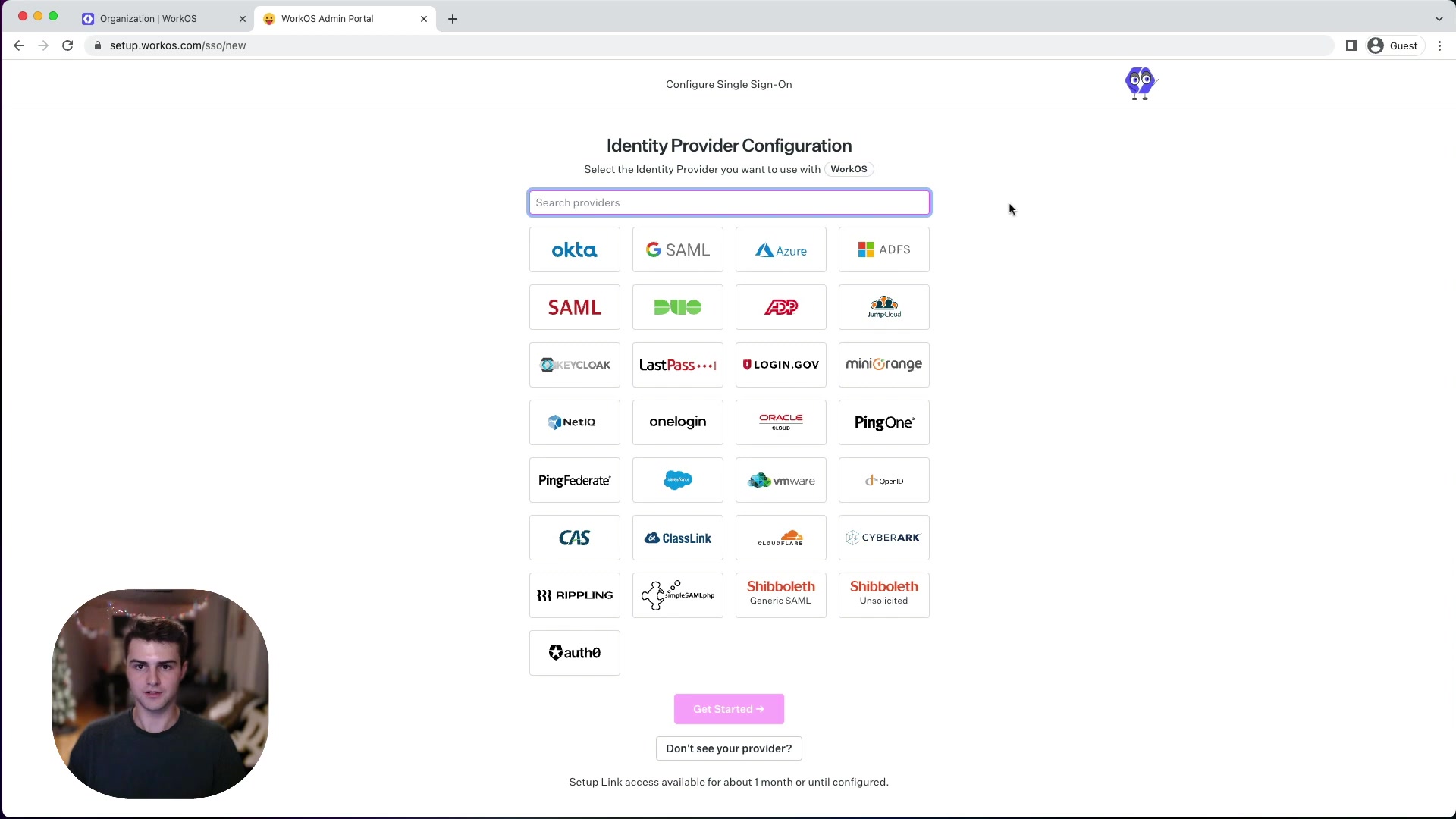
13
DAN
And now you can see we have our custom logo on the right instead of "Powered by WorkOS." The new pink color is set as the primary!
✨ TA-DA! ✨
DETAILS MATTER
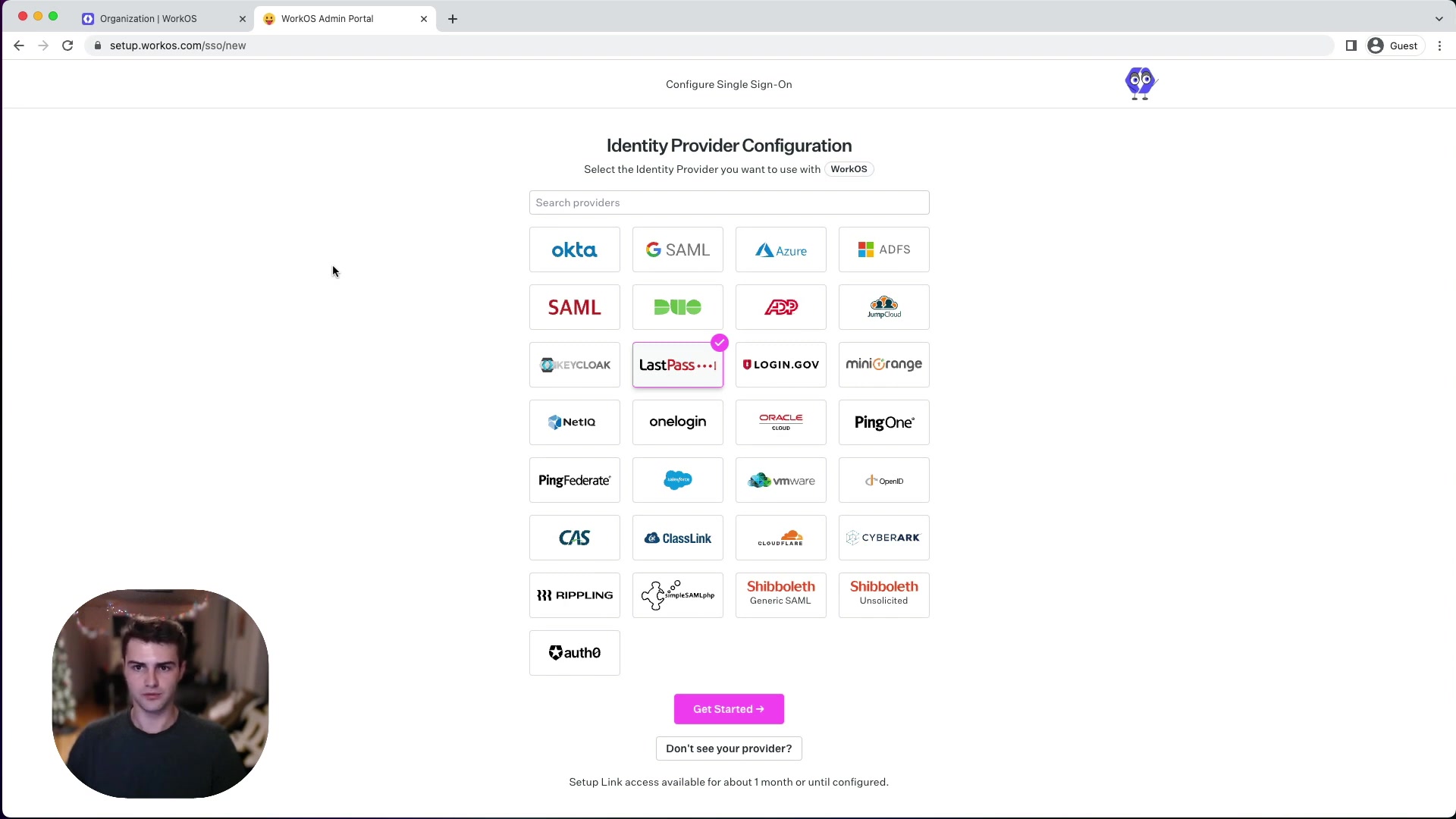
14
DAN
Our favicon is customized as well. 🎉
EVERY PIXEL COUNTS!
EPILOGUE
15
DAN
I hope you enjoyed this demo! I'm looking forward to showing you more as we continue to improve the customizability of the Admin Portal. 🚀
Don't have custom branding yet? Reach out to customer support — a developer success engineer will help you get access.
TO BE CONTINUED…?